
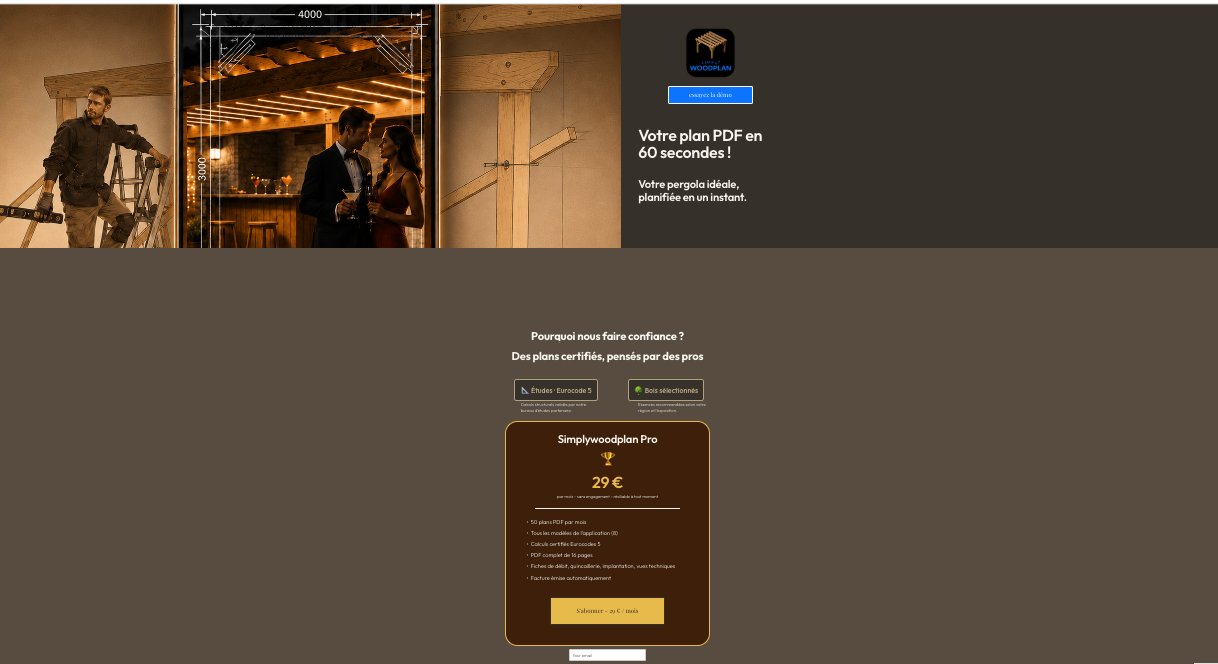
Simplywoodplan app page
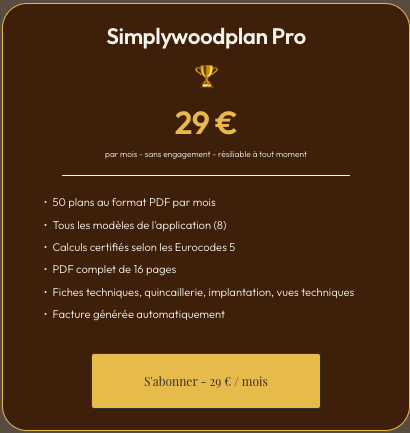
2. Click the “Subscribe - €29/month” button
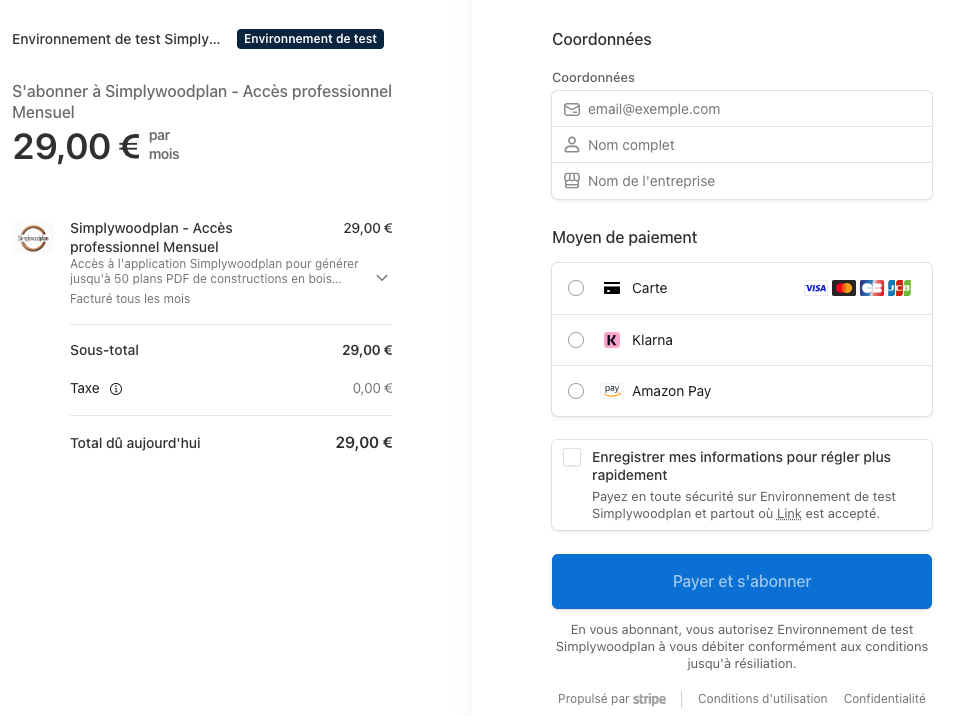
3. Pay securely
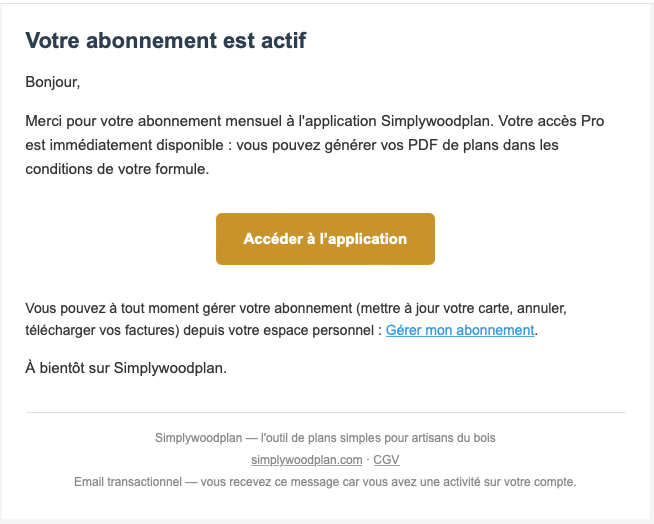
4. Receive theconfirmation email with access to the app (check your spam folder)
5. Accessing the app—first login
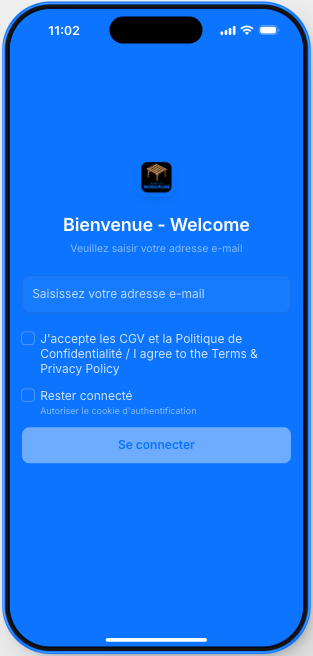
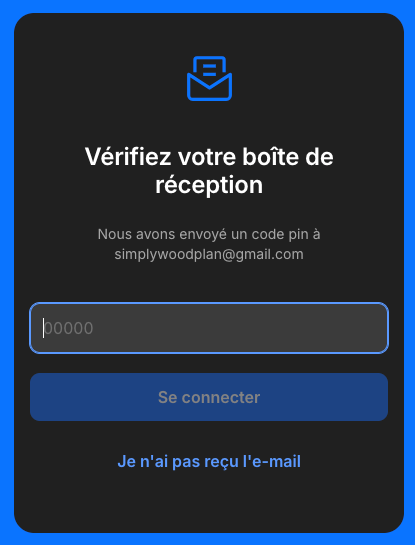
6. PIN code—first connection
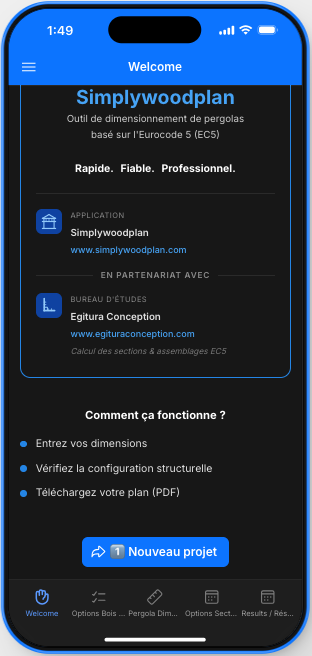
7. Click "New Project"
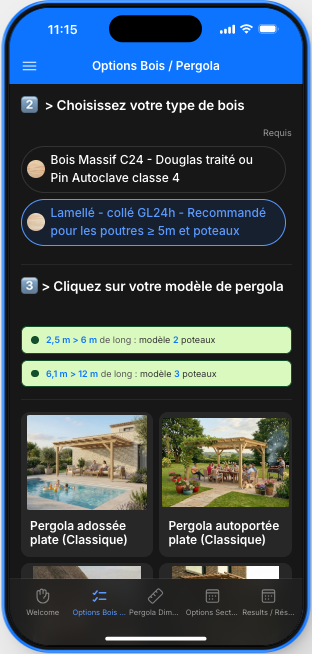
8. Choose wood type and model (8)
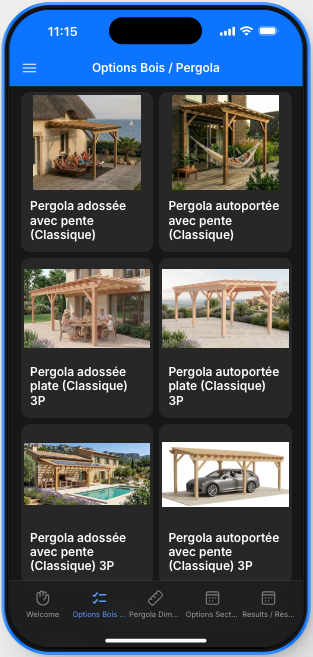
8. Wood and model options (continued)
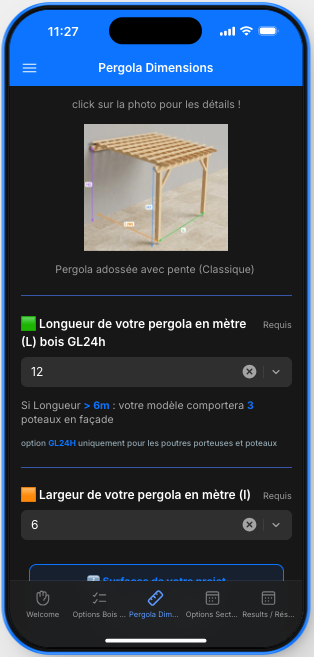
9. Dimensions
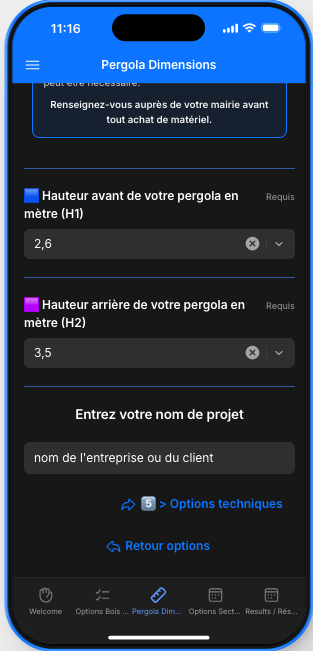
9. Dimensions (continued) and project name
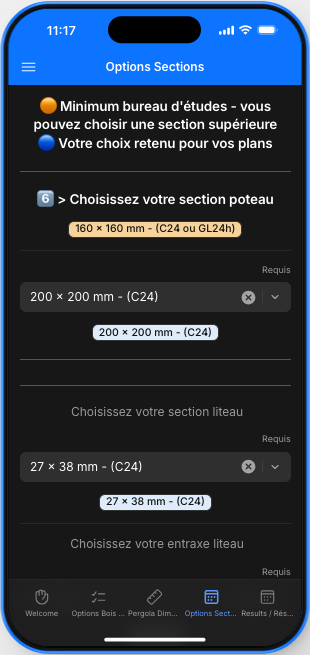
10. Options for certain components
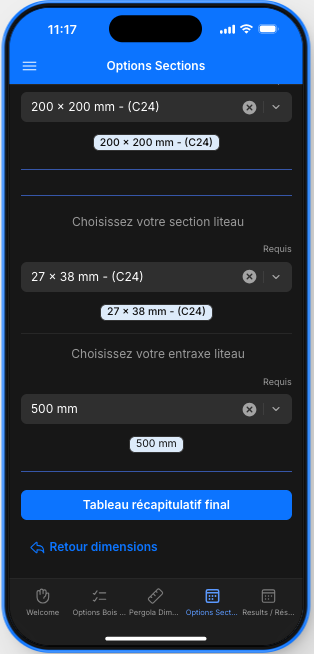
10. More options
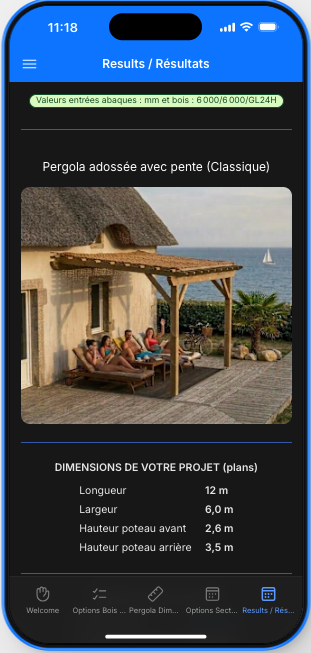
11. Summary of Results
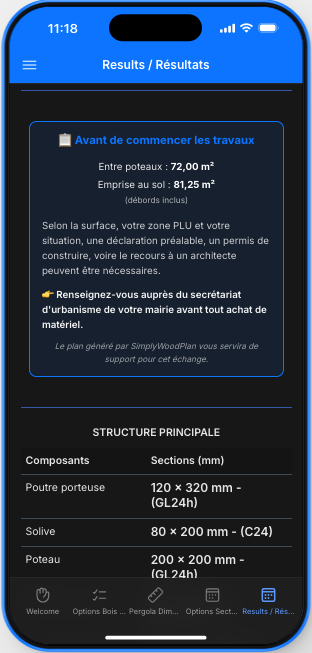
11. Results continued
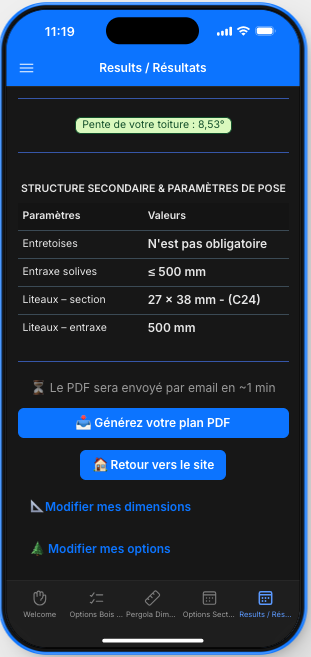
11. Final Results and Generate Your Plan
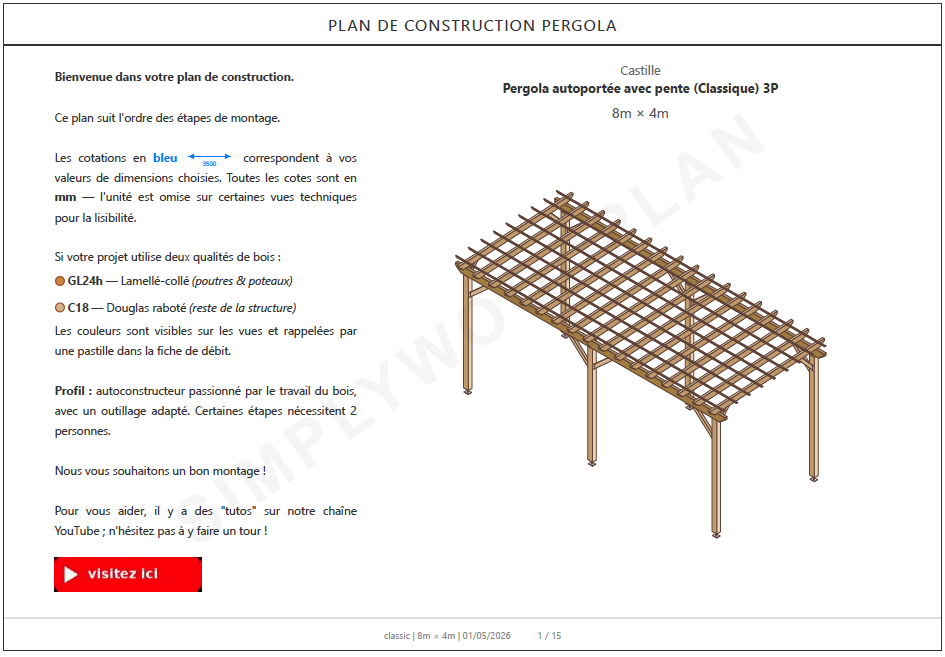
12. Receive it via email in 60 seconds
Print it out, take the purchase order to your usual lumberyard or supplier, and get the project started.
To generate another plan, go back to the app (via the icon on your home screen if you've installed it) and create a new project. No PIN code required! Your subscription includes
50 PDF files per month.
Need help? Check out the FAQ or contact us.